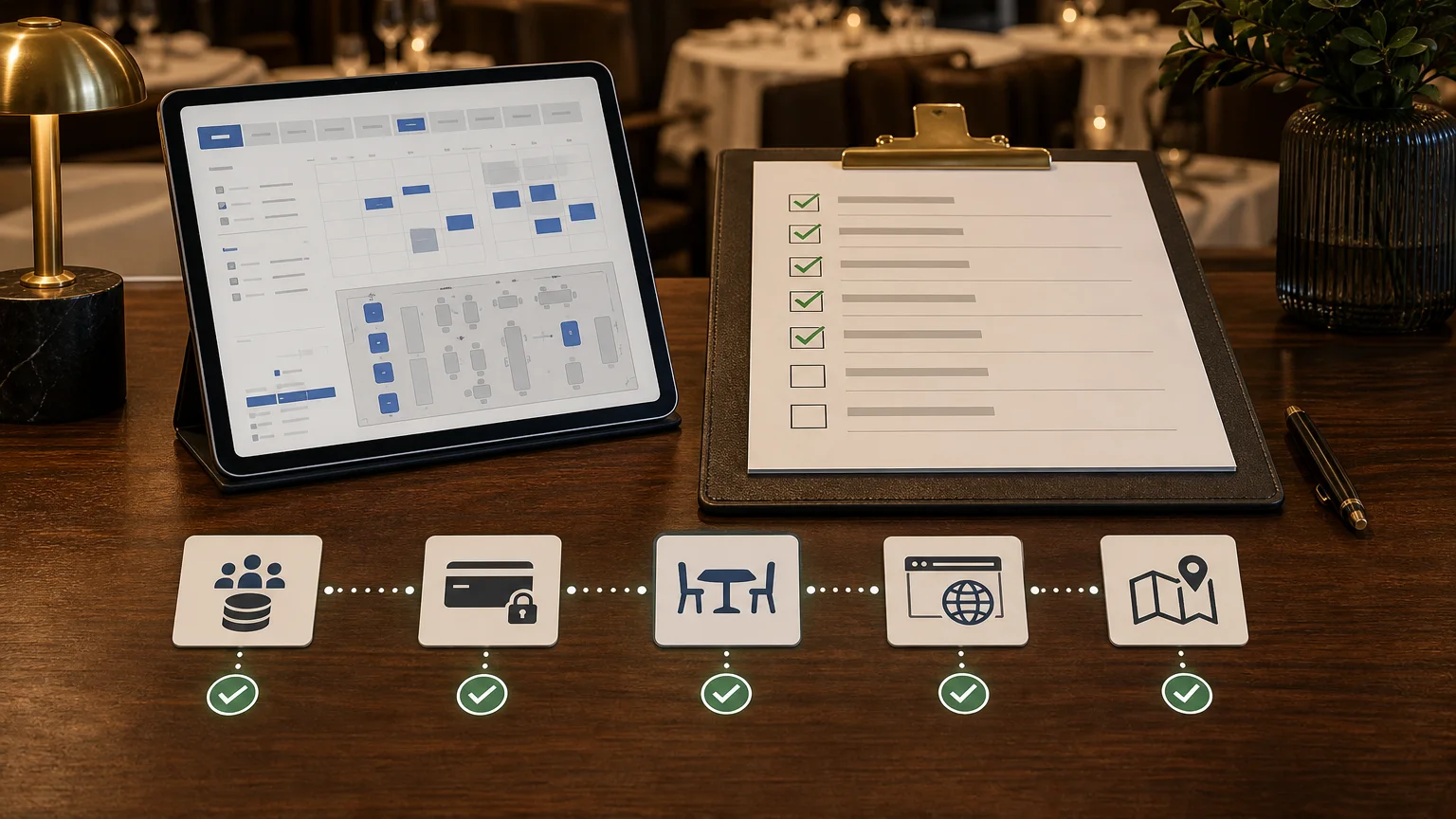
Restaurant reservation system migration checklist
Changing restaurant reservation systems is not a widget replacement. It moves future bookings, guest records, table and service rules, payments, cancellation policies, website buttons, Google actions, staff habits, and reporting at the same time.
The safest migration has one owner, one cutover plan, and explicit checks for every place a reservation can enter or change. Use this checklist whether you are leaving a marketplace, replacing a broad guest platform, or moving from manual tools into a direct booking system.
Key takeaways
- Export and reconcile future reservations before changing any public booking link.
- Treat deposits, prepayments, card guarantees, gift cards, refunds, and cancellation rights as separate migration workstreams.
- Rebuild availability from operating rules, not from opening hours alone.
- Cut over website, Google, social, QR, campaign, and staff-created booking paths from one documented channel inventory.
- Validate live services with real booking scenarios before declaring the migration complete.
Before you choose a cutover date
Pick the migration window around restaurant operations, not software convenience. Avoid launching immediately before a holiday, event, menu change, terrace opening, large private booking, or another period when staff attention is already stretched.
- Name one accountable migration owner and one decision-maker for exceptions.
- Choose a target launch date plus a fallback date.
- List services that cannot tolerate disruption: prime dinner, private dining, events, tasting menus, and group bookings.
- Agree when the old system stops accepting new bookings and how existing reservations remain accessible.
- Define the reconciliation window in which both systems may contain active records.
- Schedule staff training and a monitored first week before publishing the new links.
The cutover date is ready only when the restaurant knows who can pause, continue, or roll back a channel change. That is an operational decision, not a feature flag.
1. Secure exports and define data ownership
Ask the current provider what can be exported, in which format, and until what date. Do not assume every field in the interface appears in an export or that marketing permission can be transferred without conditions.
- Future reservations with date, time, party size, status, service, area, table assignment, source, and confirmation mode.
- Guest contact details, notes, preferences, tags, accessibility needs, dietary information, and visit history where contractually and legally available.
- Marketing consent records with source, scope, language, and timestamp rather than a single unexplained yes-or-no field.
- Cancellation, no-show, refund, dispute, and payment references needed to answer later guest questions.
- Experience, menu, area, table, shift, pacing, duration, blackout, and party-size configuration.
- Reports needed for financial reconciliation, source attribution, and historical comparison after the old dashboard closes.
Store the original export read-only, record when it was created, and make a working copy for cleanup. Count future reservations by service date and status before and after import. A migration is not verified because a file opened successfully; it is verified when the records the restaurant must serve are present and understandable.
2. Protect future bookings, payments, and guest commitments
Future reservations are promises already made to guests. Preserve the wording and commercial state that applied when each booking was confirmed, even if the new system uses different policies for new reservations.
| Commitment | Migration check | Guest-facing outcome |
|---|---|---|
| Standard reservation | Status, date, time, party size, service, area, source, notes, and change history are preserved. | The guest arrives to the booking the restaurant already confirmed. |
| Deposit or prepayment | Amount, currency, payment state, refund state, provider reference, and policy version remain reconcilable. | The guest is not asked to pay twice and staff can explain the balance. |
| Card guarantee or hold | The team knows whether the old authorization or stored-payment agreement remains usable and permitted. | No fee is attempted without a valid policy, payment basis, and staff review. |
| Gift card or voucher | Issued value, code, balance, currency, expiry, redemption history, and booking attachment are understood. | The guest can use valid value without manual guesswork. |
| Experience or add-on | The selected menu, package, seating, quantity, price, tax treatment, and fulfillment notes move with the reservation. | Kitchen and front-of-house see what was sold, not only a table time. |
If a payment instrument cannot be migrated safely, document the alternative before cutover: keep the old record available for settlement, contact affected guests, reauthorize only with clear consent, or refund and recreate the commitment. Never hide the gap in a reservation note.
3. Rebuild availability, tables, and policies
Opening hours are not bookable inventory. Recreate the operating model that decides which party can book which service, for how long, in which area, under which confirmation and payment rule.
- Services and shifts by day, time, duration, booking window, and advance notice.
- Areas, tables, combinations, capacity, accessibility, pacing, and turn-time rules.
- Party-size minimums and maximums, large-party workflows, and request-only inventory.
- Special days, holidays, closure periods, events, blackout times, and seasonal areas.
- Instant confirmation versus restaurant approval for each booking type.
- Cancellation windows, no-show rules, deposits, prepayment, optional prepayment, card guarantees, refunds, and grace periods.
- Experiences, menus, add-ons, gift cards, private dining, and seating choices that must appear in the public journey.
Test availability with dates and party sizes that should return results and with combinations that should not. The negative cases matter: they reveal overselling, missing restrictions, and accidental instant confirmation.
4. Plan every channel cutover
Create one inventory of every public and staff-facing entry point. Include URLs hidden in old emails, printed materials, campaign pages, and third-party profiles, not just the main website button.
- Website header, navigation, booking page, embedded widget, footer, contact page, and location pages.
- Google Business Profile booking links, Reservations End-to-End partner routing, and any payment redirect.
- Instagram, Facebook, TikTok, WhatsApp, email signatures, newsletters, and profile-link tools.
- QR codes on menus, windows, hotel desks, printed cards, receipts, and event materials.
- Paid ads, organic landing pages, influencer links, partner pages, and campaign UTMs.
- Phone, email, walk-in, concierge, hotel, and staff-created reservation procedures.
- Marketplace profiles that remain active for incremental discovery after the direct cutover.
The direct bookings from Google and search guide explains how Google demand should share the same live rules as the website. The integration overview covers the channel layer behind that guest-facing path.
Update channels in a controlled sequence, then verify the final destination on mobile and desktop. Record the old URL, new URL, owner, change time, and validation result for every entry.
5. Train staff with live-service scenarios
Staff training should use the states the team will see during service, not only a product tour. Run the scenarios with the people who answer phones, seat guests, approve requests, reconcile payments, and handle complaints.
- Find and change an imported future reservation.
- Create a phone or walk-in booking with the correct source and notes.
- Approve and decline a request-only reservation.
- Recognize pending payment, paid, refundable, refunded, failed, and disputed states.
- Handle a late cancellation, no-show review, guest grace case, and restaurant-side cancellation.
- Apply or verify a gift card, voucher, add-on, experience, deposit, or prepayment.
- Explain where Google, website, marketplace, campaign, and staff-entered reservations appear.
- Escalate a missing booking, duplicate record, availability mismatch, or payment discrepancy.
Give the host team a short launch-day reference with named owners for reservation data, availability, payments, Google routing, and guest communication. A generic support inbox is not an operating plan.
6. Validate before and after launch
Run a pre-launch acceptance pass, a cutover check immediately after links change, and a daily review through the first live week.
| Validation stage | Required checks | Completion evidence |
|---|---|---|
| Before launch | Imports reconcile, availability tests pass, policies display correctly, payment paths work, and staff complete scenarios. | Signed checklist with counts, test bookings, named owners, and unresolved exceptions. |
| At cutover | Every public link reaches the intended localized booking journey and creates the correct source. | Mobile and desktop link checks plus successful test reservations from priority channels. |
| First service | Hosts can find imported and new bookings, understand payment state, and act on requests or changes. | Shift debrief with every issue assigned, not left in chat. |
| First week | Booking volume, availability failures, source mix, payment failures, cancellations, no-shows, and guest questions are reviewed daily. | Daily reconciliation log and confirmed fixes. |
| After stabilization | Old links are removed, required old records remain accessible, and the team uses the new system as the operating source. | Final sign-off with remaining contractual, financial, or data-retention tasks. |
A copyable migration workplan
Use these workstreams as the headings in the restaurant's migration tracker:
- Ownership and dates: accountable owner, launch date, fallback date, vendor contacts, and escalation path.
- Data: export scope, cleanup, mapping, import, record counts, exceptions, retention, and deletion responsibilities.
- Bookings: future reservations, requests, changes, cancellations, notes, experiences, and table assignments.
- Payments: deposits, prepayment, card guarantees, gift cards, refunds, disputes, provider references, and reconciliation.
- Configuration: services, shifts, tables, areas, pacing, party sizes, special days, policies, languages, and notifications.
- Channels: website, Google, social, QR, campaigns, marketplaces, partners, phone, email, and staff entry.
- People: role-based training, launch-day coverage, support ownership, and service debriefs.
- Validation: pre-launch tests, cutover checks, daily monitoring, issue ownership, and final sign-off.
Common migration failures
| Failure | Why it happens | Prevention |
|---|---|---|
| Public links change before imports are reconciled | The visible launch is treated as the project milestone. | Make future-booking counts and exception review a launch prerequisite. |
| The new calendar copies opening hours | Availability logic is reduced to times instead of services, tables, pacing, and rules. | Test positive and negative combinations by date, party size, service, and area. |
| Payment state becomes a note | Money and booking data are migrated separately. | Reconcile amount, currency, status, policy, provider reference, refund, and guest obligation together. |
| Google and website use different rules | Channels are configured as separate calendars. | Connect each channel to the same live availability and lifecycle ownership. |
| Staff train after launch | Configuration receives attention while service scenarios do not. | Require role-based scenario completion before public cutover. |
| The old system disappears too early | Contract end, data retention, and operational access are treated as the same date. | Document read-only access, exports, financial records, guest support, and deletion timing separately. |
FAQ
How long does a restaurant reservation system migration take?
There is no universal duration. A single venue with simple future bookings and no payments may move quickly. Multiple locations, large future-booking volumes, complex tables and pacing, experiences, payments, gift cards, Google routing, and marketing permissions require more preparation. Scope the workstreams first, then set the date.
Should restaurants run both systems at the same time?
A short controlled overlap can help reconcile existing and new bookings, but two active sources of availability can also create duplicates and confusion. Define which system owns new bookings, which remains read-only or transitional, and exactly when each channel changes.
What data should be exported first?
Start with future reservations and the information needed to serve them: guest contact, date, time, party size, status, service, area, notes, payment or policy state, and source. Then secure configuration, historical records, consent evidence, and reports needed for operations, finance, and retention obligations.
Can card details move to a new reservation system?
Do not assume they can. Stored payment methods, authorizations, card guarantees, and provider tokens are governed by payment-provider, contractual, security, and consent constraints. Confirm the permitted path with both providers before promising continuity.
When is the migration complete?
The migration is complete when future reservations reconcile, staff can operate live service, every active channel reaches the intended localized flow, payments and policies remain explainable, priority issues have owners, and required old records are retained or disposed of correctly.
Next step: choose ownership before software
Use this checklist after reading the OpenTable alternative comparison, SevenRooms alternative comparison, or best restaurant reservation systems guide. The product choice matters, but the migration succeeds only when the restaurant decides who owns its data, demand, booking rules, payment commitments, channel changes, and service validation.